



If you're looking for a high-quality FPS experience on mobile, Call of Duty: Mobile delivers console-level action straight to your Android device. Developed by Activision, this mobile installment brings together iconic maps, fast-paced multiplayer battles, and a competitive Battle Royale mode—all optimized for touchscreen gameplay. In this guide, you’ll find everything you need to know about downloading, installing, and getting started with Call of Duty®: Mobile.
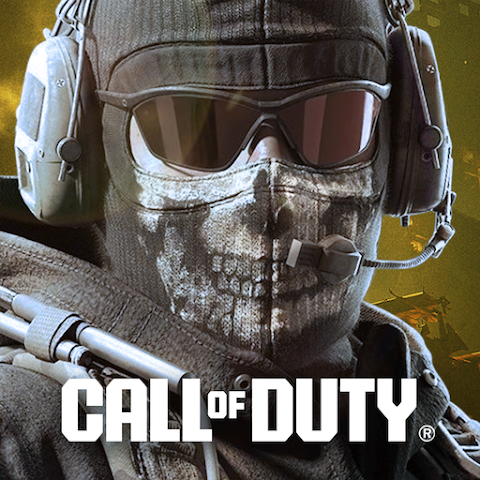
Call of Duty®: Mobile (Latest Version) – Download for Android
Overview
-
Game Name: Call of Duty®: Mobile
-
Developer: Activision
-
Genre: First-Person Shooter (FPS)
-
Platform: Android
-
Game Modes: Multiplayer, Battle Royale, Ranked Matches, Limited-Time Events
-
In-App Purchases: Yes
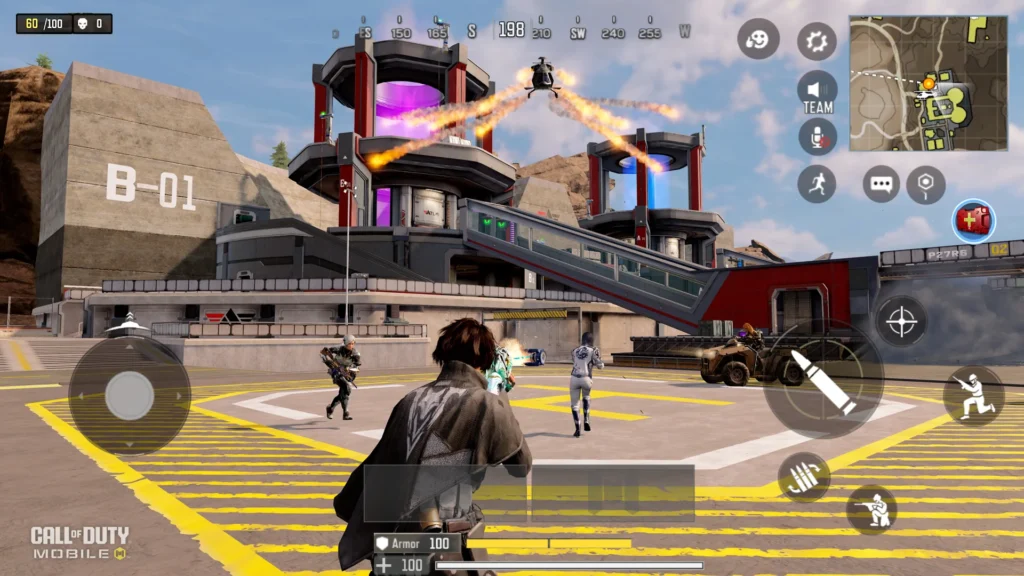
Call of Duty®: Mobile combines classic Call of Duty mechanics with mobile-optimized controls and visuals. It features maps and modes inspired by popular titles from the franchise while introducing mobile-exclusive content.
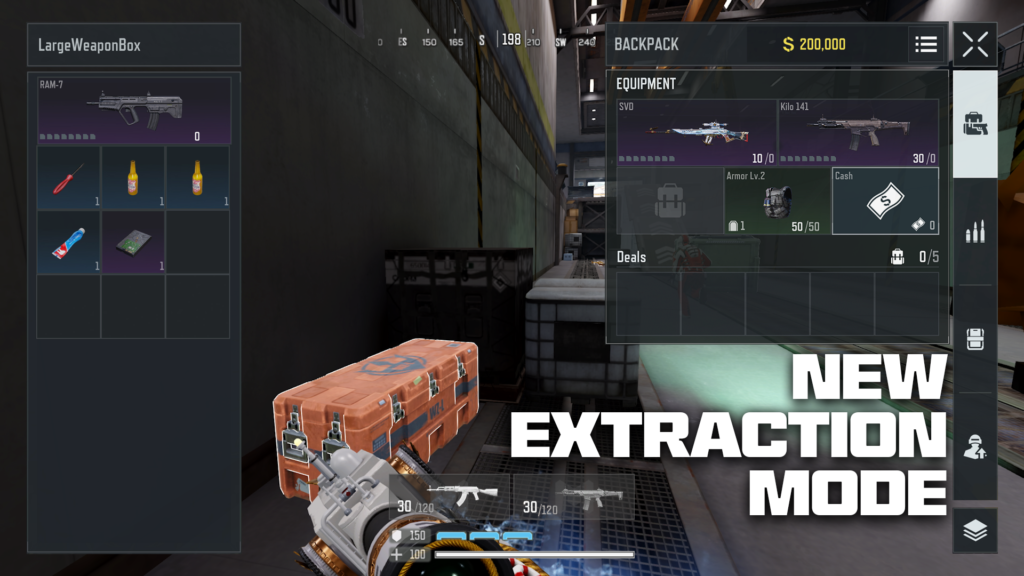
Gameplay & Modes
1. Multiplayer Mode
Jump into fast-paced 5v5 matches across iconic maps. Popular modes include:
-
Team Deathmatch
-
Domination
-
Search & Destroy
-
Hardpoint
-
Kill Confirmed
Matches are short, intense, and perfect for mobile sessions.
2. Battle Royale Mode
Experience large-scale survival combat with up to 100 players. Choose between first-person or third-person perspective and play solo, duo, or squad. Vehicles, customizable loadouts, and operator skills add depth to every match.
3. Ranked Mode
Climb competitive tiers and earn seasonal rewards. Ranked matches require skill, teamwork, and map awareness.
Key Features
-
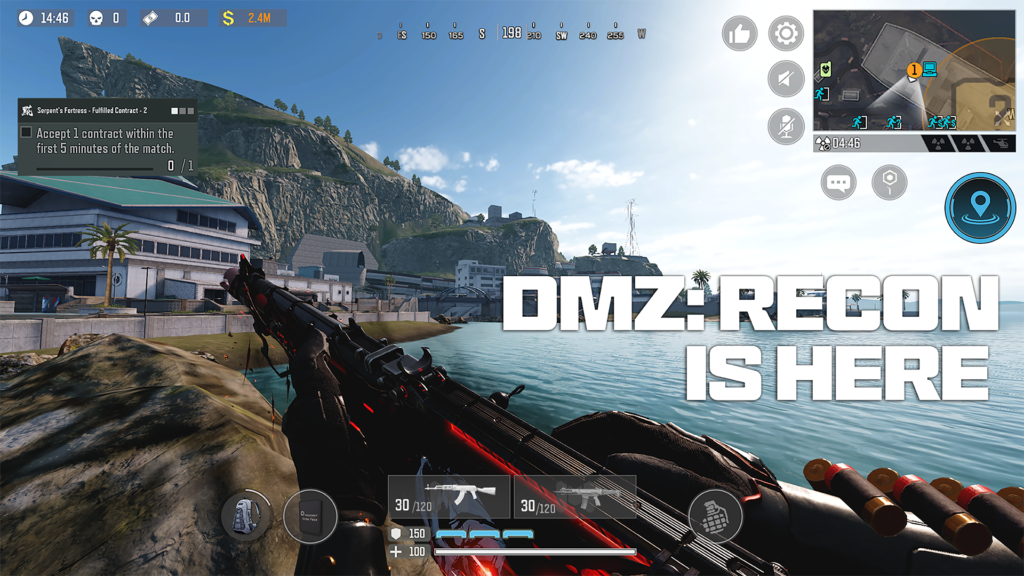
Console-Quality Graphics: High-resolution visuals with adjustable graphics settings.
-
Customizable Loadouts: Unlock weapons, attachments, perks, and operator skills.
-
Seasonal Updates: Frequent content drops, new maps, and themed events.
-
Battle Pass System: Earn exclusive skins, blueprints, and cosmetic rewards.
-
Cross-Map Variety: Classic Call of Duty maps optimized for mobile gameplay.
System Requirements
To run Call of Duty®: Mobile smoothly, your device should meet:
-
Android: 5.1 or higher
-
RAM: 3GB minimum (4GB+ recommended)
-
Storage: At least 4–6GB free space
-
Internet: Stable Wi-Fi or 4G/5G connection
Higher-end devices allow smoother frame rates and enhanced graphics.
How to Download & Install
Option 1: Install via Google Play
-
Open the Google Play Store.
-
Search for Call of Duty®: Mobile.
-
Tap Install.
-
Launch the game after installation.
Option 2: Install via APK (Advanced Users)
-
Download the official APK file from a trusted source.
-
Enable Install Unknown Apps in Android settings.
-
Install the APK and open the game.
-
Allow additional in-game data to download.
Note: Always ensure you download from a trusted source to avoid modified or harmful builds.
Tips for Beginners
-
Start with Multiplayer to learn weapon recoil and movement.
-
Adjust sensitivity settings for better aiming control.
-
Use headphones for directional audio advantage.
-
Complete daily missions for faster leveling.
-
Try different loadouts to match your playstyle.
Pros & Cons
Pros
-
High-quality graphics and smooth gameplay
-
Multiple game modes
-
Regular updates and seasonal content
-
Competitive ranked system
Cons
-
Requires stable internet
-
Large storage size
-
In-app purchases for cosmetic items
Frequently Asked Questions (FAQ)
- Is Call of Duty®: Mobile free to play?
Yes, the game is free to download and play, with optional in-app purchases. - Does it support controllers?
Yes, certain controllers are supported for enhanced gameplay. - Can I play offline?
No, an internet connection is required. - Is it cross-platform with PC or console?
No, mobile players compete only with other mobile players. - How often are updates released?
Seasonal updates are released regularly with new content and events.
Conclusion
Call of Duty: Mobile remains one of the most popular FPS titles on Android, delivering competitive action, impressive graphics, and constant seasonal updates. Whether you prefer intense 5v5 battles or large-scale Battle Royale matches, this mobile shooter offers something for every FPS fan.
If you’re ready for fast-paced action on the go, download Call of Duty®: Mobile today and step into the battlefield.

User Reviews