




Kitty Live is a live video chat and streaming app designed for users who enjoy real-time interaction, private video conversations, and discovering new streamers from around the world. In this complete guide, we’ll break down Kitty Live’s features, how it works on Android, safety tips, pros & cons, and FAQs—so you can decide if it’s the right live chat platform for you.

Kitty Live – Live Video Chat & Streaming App (Full Review & Guide)
Quick Info (At a Glance)
-
App Name: Kitty Live
-
Category: Live streaming / Video chat
-
Platform: Android (APK / mobile app)
-
Main Features: Live rooms, private chat, virtual gifts, social interaction
-
Monetization: In-app purchases (coins, gifts, premium access)
What Is Kitty Live?
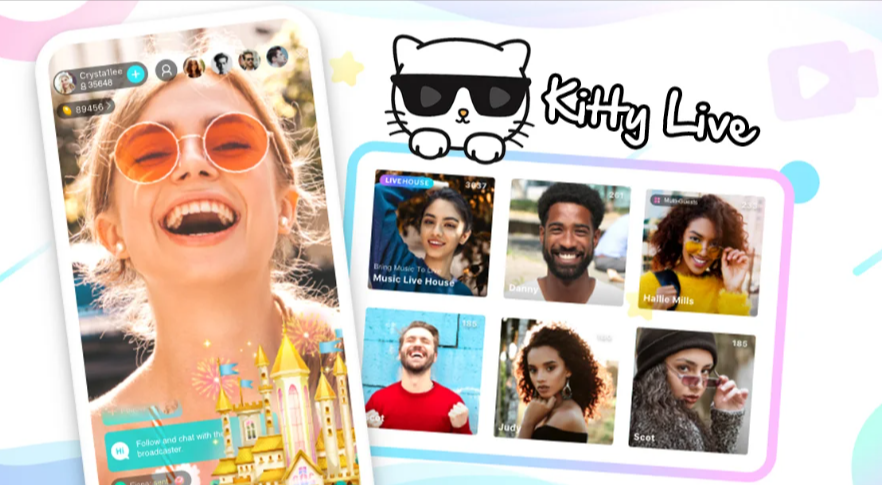
Kitty Live is a mobile live streaming and video chat application that allows users to:
-
Join live broadcast rooms
-
Start their own livestream
-
Engage in 1-on-1 private video chats
-
Interact with hosts through messages and virtual gifts
The app focuses on real-time social interaction, making it popular among users who enjoy meeting new people online and participating in live communities.
Key Features of Kitty Live
Live Streaming Rooms
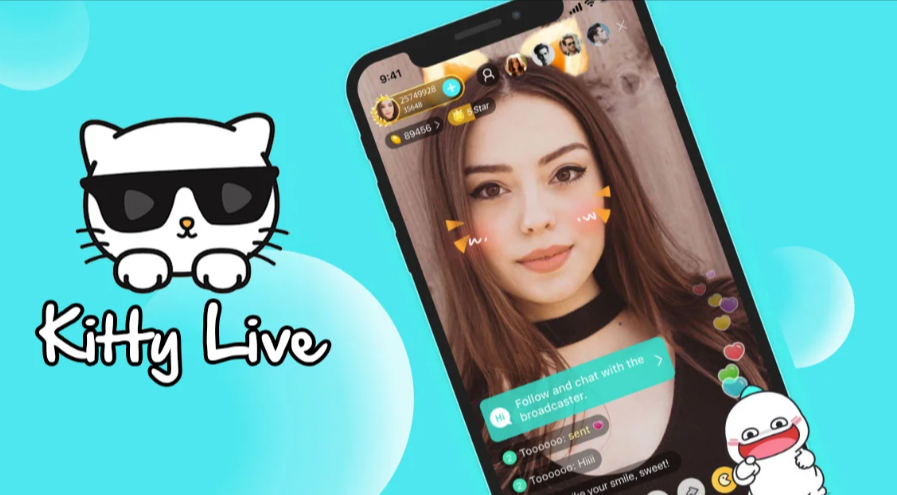
Users can enter public live rooms where hosts broadcast in real time. Viewers can:
-
Send comments
-
React with emojis
-
Send virtual gifts
This creates an interactive livestream environment similar to other social streaming platforms.
1-on-1 Private Video Chat
Kitty Live offers private video calls between users and hosts. This feature is typically unlocked through in-app currency or coins.
Private sessions are designed for more personal conversations compared to public rooms.
Virtual Gifting System
Users can purchase coins to:
-
Send digital gifts
-
Support favorite streamers
-
Unlock special interactions
This gifting system is common in livestream monetization models.
Global Community
Kitty Live connects users internationally. Many live streaming apps in this category attract hosts and viewers from Southeast Asia and beyond, creating diverse interaction opportunities.
How Kitty Live Works on Android
-
Download and install the app on your Android device.
-
Create an account (email or social login, depending on version).
-
Browse live rooms or search for streamers.
-
Join a livestream or start a private video chat.
-
Purchase coins if you want to send gifts or unlock premium features.
Because this is a live streaming app, a stable internet connection is recommended for smooth video quality.
System Requirements (Typical)
-
Android Version: 6.0+ recommended
-
RAM: 2GB minimum (4GB for smoother streaming)
-
Storage: 200MB+ free space
-
Internet: Strong Wi-Fi or 4G/5G recommended
Safety & Privacy Tips
Live chat platforms require smart usage. Keep these tips in mind:
-
Do not share personal details (address, financial info, ID numbers).
-
Avoid sending money outside official in-app systems.
-
Use in-app blocking/reporting tools if needed.
-
Be cautious with private video sessions.
Live streaming apps are social platforms—your privacy depends on your behavior and settings.
Pros & Cons
Pros
-
Real-time live streaming interaction
-
Private video chat option
-
Global user base
-
Interactive gifting system
Cons
-
In-app purchases required for premium features
-
Potential for high spending if not managed
-
Content quality varies by streamer
Who Is Kitty Live Best For?
Kitty Live may be suitable for:
-
Users who enjoy interactive livestream environments
-
People who like meeting new individuals online
-
Viewers who want more personal 1-on-1 conversations
-
Fans of live gifting and virtual interaction systems
FAQ
- Is Kitty Live free to use?
Yes, the app is free to download, but many premium features require coins or in-app purchases. - Can I use Kitty Live without paying?
You can join public livestreams for free, but private chats and gifts usually require coins. - Is Kitty Live safe?
Like any live chat platform, safety depends on user behavior. Avoid sharing sensitive information and use reporting tools if needed. - Does Kitty Live support private video calls?
Yes, private 1-on-1 sessions are typically available through the coin system. - Is it available worldwide?
Availability depends on region and app distribution policies.
Conclusion
Kitty Live is a live video chat and streaming app designed for real-time interaction and global social connection. With livestream rooms, private video sessions, and a virtual gifting system, it offers an engaging platform for users who enjoy online social entertainment. However, as with any coin-based streaming app, managing spending and protecting personal privacy are essential.
If you’re exploring interactive live chat platforms, Kitty Live delivers a dynamic experience built around connection, conversation, and community.